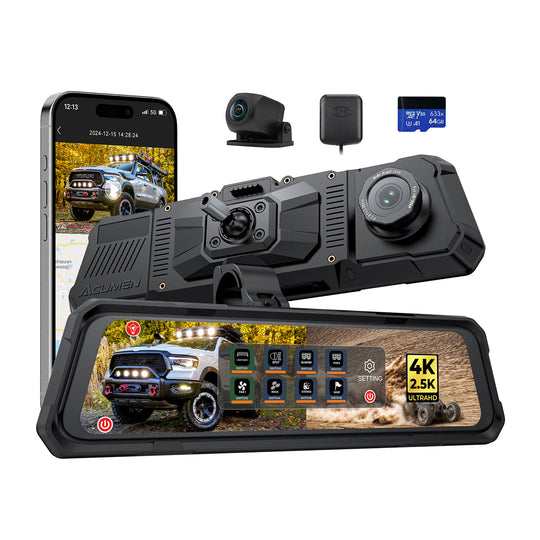
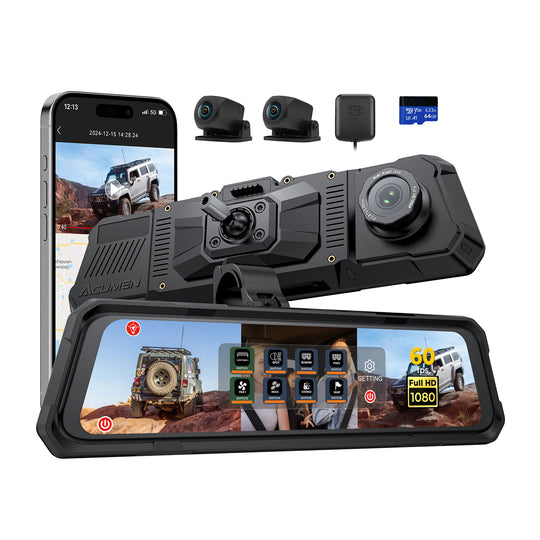
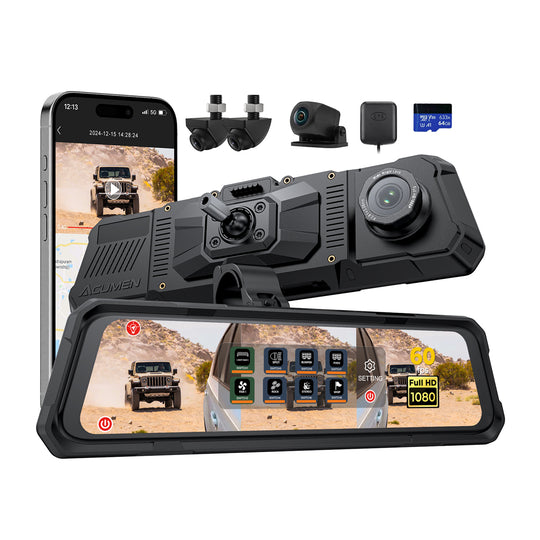
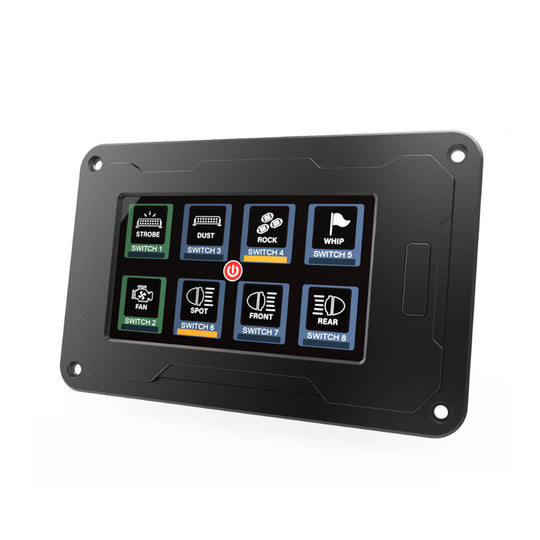
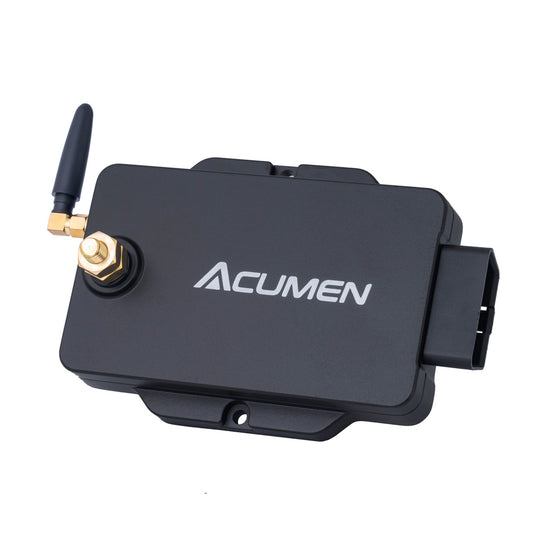
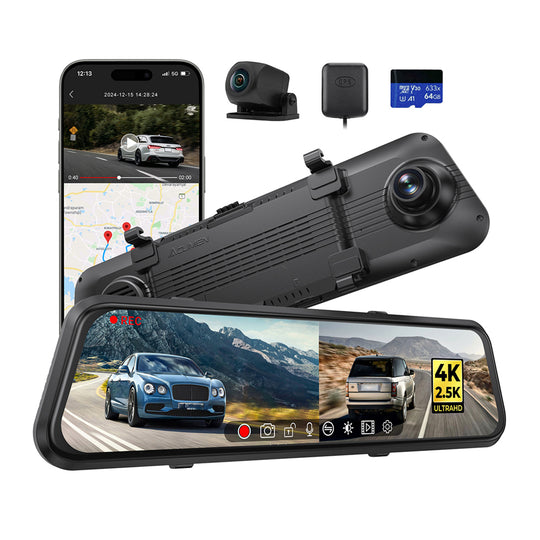
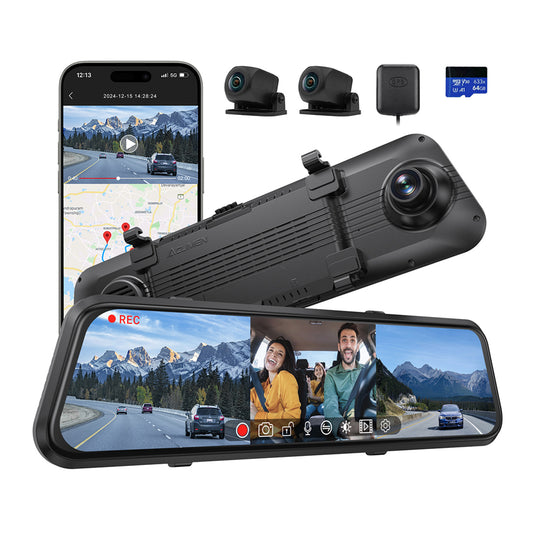
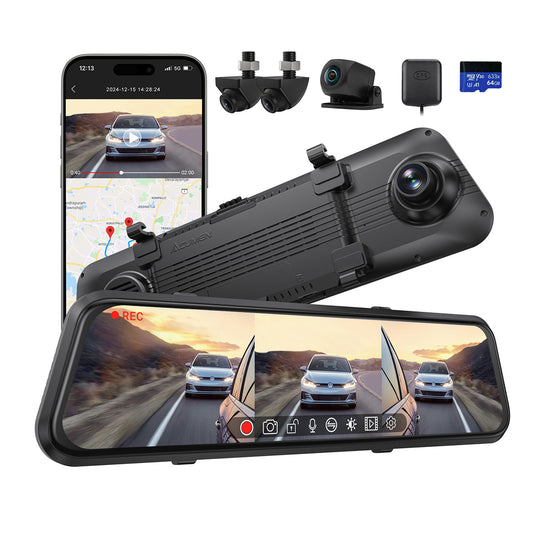
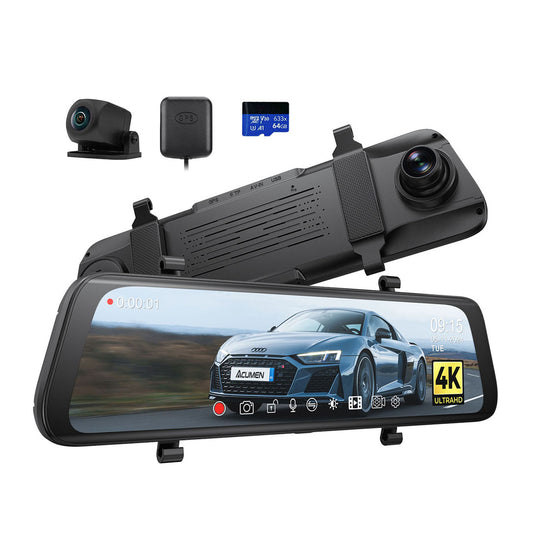
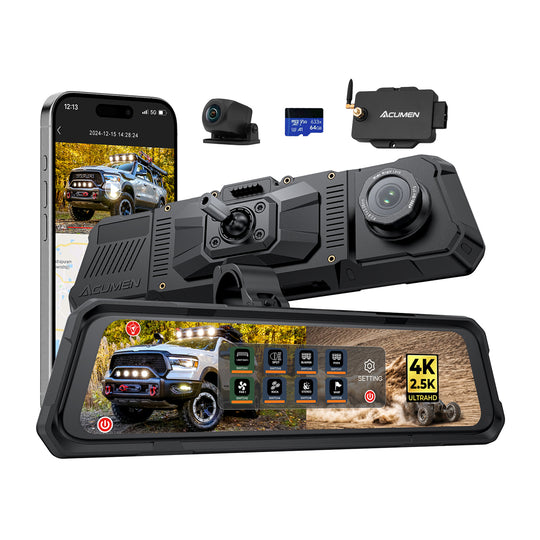
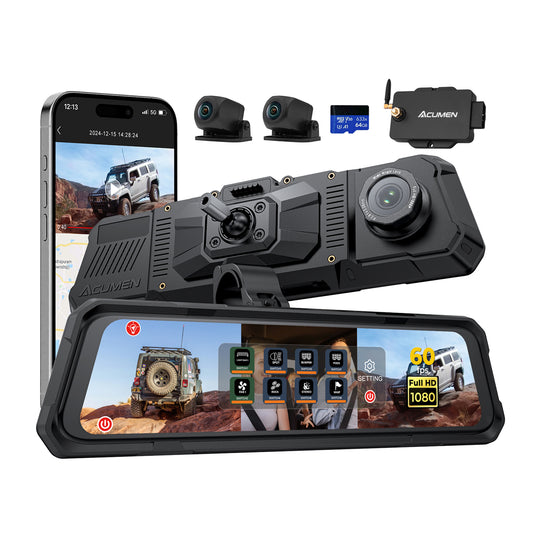
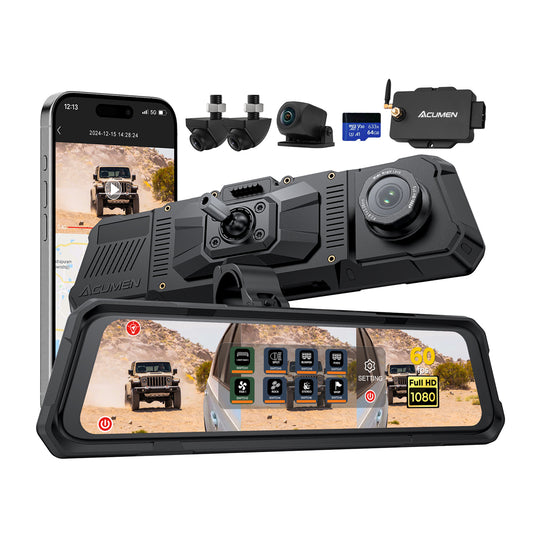
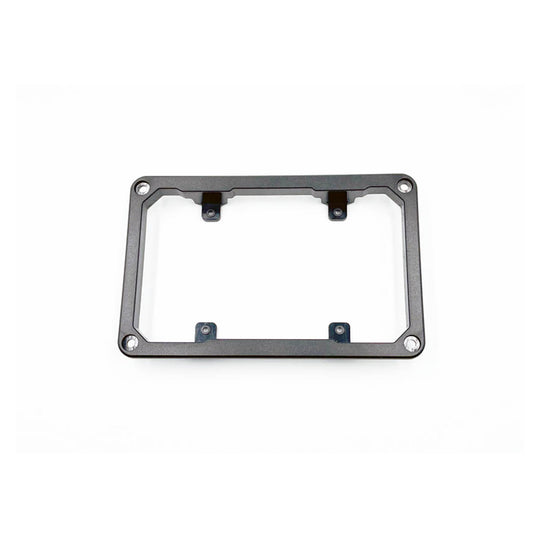
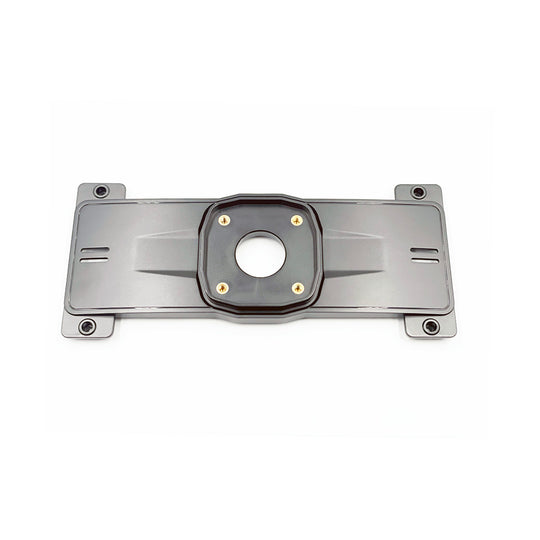
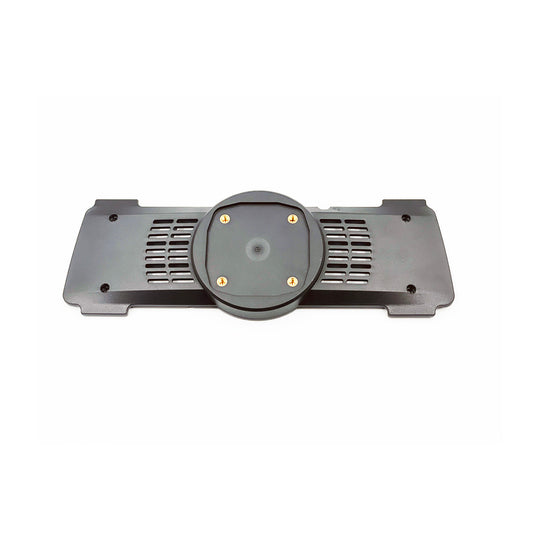
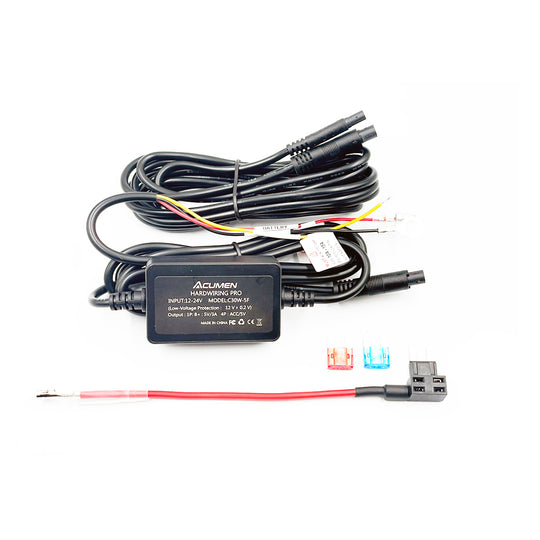
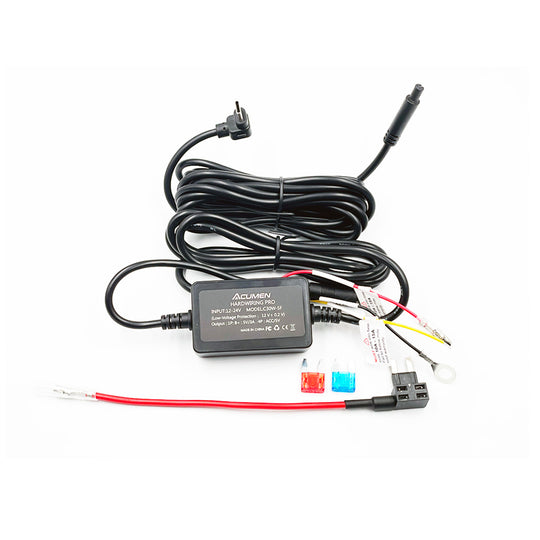
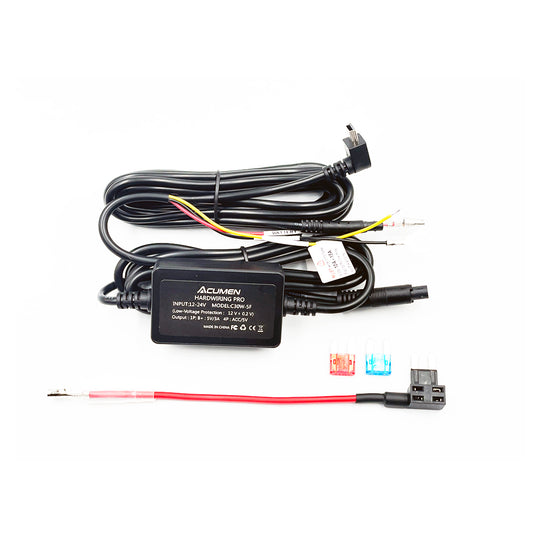
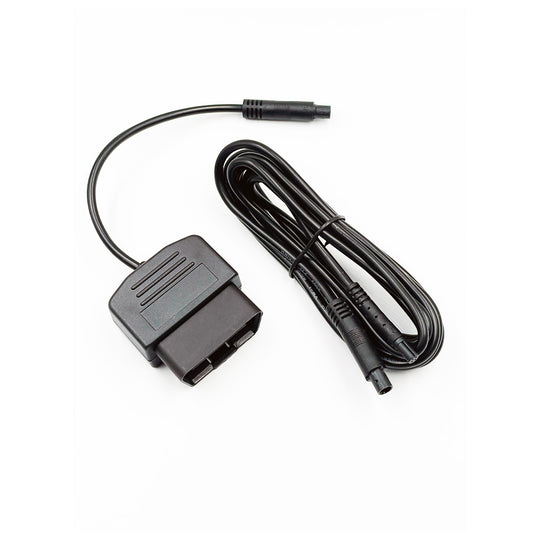
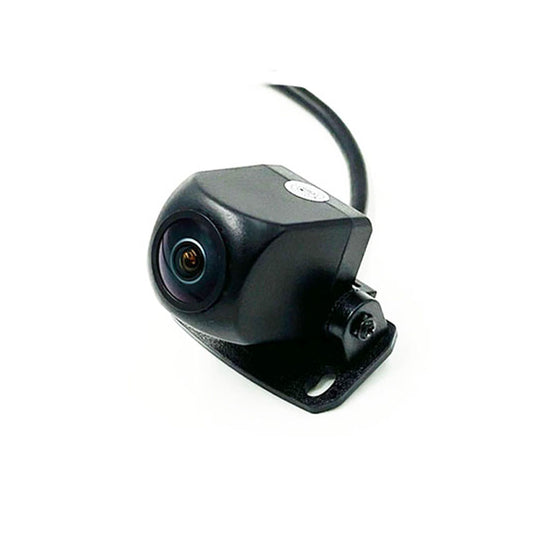
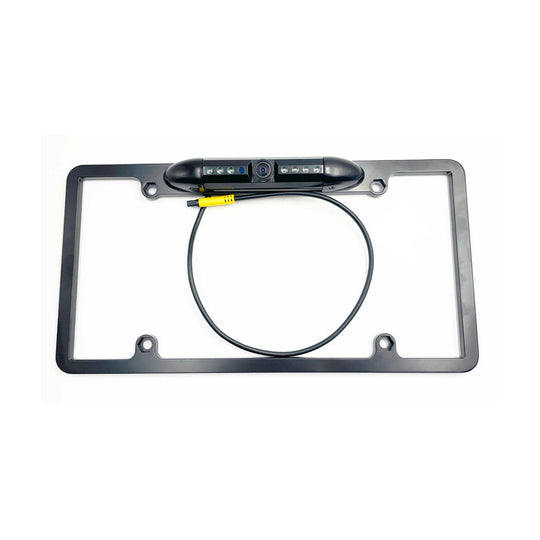



If you’ve recently installed the Acumen The Legend Mirror DVR Switching System on your Polaris 2023 Turbo R UTV, you might’ve run into a head-scratcher: everything works fine when the engine’s off and you’re using the battery, but the moment you start the engine, all your aftermarket lights go dark. I’ve been digging into this issue, and I’m here to walk you through how to diagnose it using the Acumen Box’s Bluetooth app, what went wrong, and how to fix it so you can hit the trails with confidence. Let’s get your Acumen setup running smoothly!
The Problem: Lights Out When the Engine Starts
Here’s the scenario: you’ve got your Acumen The Legend Mirror + Acumen Box installed on your Polaris 2023 Turbo R UTV, ready to control those awesome aftermarket lights. When the UTV’s engine is off and you’re running on battery power, the lights work perfectly—you can toggle them on and off via the mirror’s touchscreen or the Acumen Box app without a hitch. But as soon as you fire up the engine, all the lights shut off. What’s going on?
Step 1: Diagnose the Issue with the Acumen Box Bluetooth App
Before diving into the wiring, let’s use the Acumen Box Bluetooth app to pinpoint the problem—it’s a great tool for troubleshooting. I connected my phone to the Acumen Box via Bluetooth and started testing the system. First, with the engine off, I turned the lights on and off through the app—everything worked flawlessly. Then, I started the UTV’s engine and tried again. Here’s what I noticed: the Acumen Box dropped off the app entirely. It disappeared from the device list, showing that the box wasn’t just losing control—it was actually shutting down. This behavior pointed to a power issue triggered by the engine starting, likely causing the Acumen Box to enter a self-protection mode and cut all inputs and outputs, which explained why the lights went out.
Step 2: Identify the Wiring Mistake
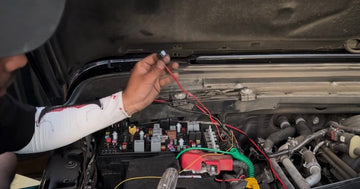
The owner in this case wired everything to the Polaris PULSE Underhood Bus Bar, which is the factory-installed power distribution system for the UTV. They connected the B+ positive wire, the ACC ignition signal wire, and the ground (negative) wire to the bus bar, thinking it’d be a clean setup. But here’s the catch: the ground wire was accidentally connected to the ACC signal terminal instead of the proper ground terminal. This mistake caused a big issue—once the engine started, the Acumen Box experienced a short circuit and overload. The ACC line, which powers up when the ignition is on, sent voltage through the ground wire’s incorrect connection, creating a short. To protect itself, the Acumen Box automatically entered self-protection mode, shutting down all operations—hence, the lights went out and the app lost connection.

Step 3: Fix the Issue by Rewiring the Ground Properly
Now that we’ve identified the issue using the app, let’s fix it. Here’s how to get your Acumen The Legend Mirror DVR Switching System back on track:
- Turn Off the UTV and Disconnect Power: Safety first! Turn off the engine and disconnect the battery to avoid any electrical mishaps while you’re working.
- Locate the Polaris PULSE Bus Bar: It’s typically under the hood, where you’ve already wired the Acumen Box. Identify the terminals: B+ (positive), ground, and ACC.
- Check Your Wiring: Look at the Acumen Box’s ground wire (usually black). If it’s connected to the ACC terminal (which might be labeled “IGN” or “ACC”), that’s the problem. The ACC terminal should only have the ignition signal wire (often red or yellow) connected to it.
- Rewire the Ground: Disconnect the ground wire from the ACC terminal and move it to the correct ground terminal on the bus bar (often labeled “GND” or marked with a “-” symbol). Ensure a secure connection—loose wiring can cause other issues down the road.
- Double-Check All Connections: Confirm the B+ wire is on the positive terminal, the ACC wire is on the ignition terminal, and the ground wire is now on the ground terminal. Triple-check to avoid any mix-ups!
- Reconnect Power and Test Again: Reconnect the battery, power up the Acumen Box, and test the lights with the engine off—they should work as before. Then, start the engine and check the AcumenCam app. If everything’s wired correctly, the Acumen Box should stay connected, and the lights should function normally.

Key Takeaway: Double-Check Your Wiring on the Bus Bar
This case highlights a crucial lesson for anyone installing the Acumen The Legend Mirror DVR Switching System on a Polaris UTV—or any vehicle with a bus bar setup. When connecting the Acumen Box’s positive (B+), ground, and ACC wires to the Polaris PULSE Underhood Bus Bar, you’ve got to be absolutely sure you’re wiring to the correct terminals. Mixing up the ground with the ACC line, as happened here, can cause a short circuit and overload, forcing the Acumen Box into self-protection mode and shutting down all outputs. The AcumenCam Bluetooth app is a lifesaver for diagnosing this—it showed us the box was shutting off when the engine started, pointing straight to a wiring issue. Taking an extra minute to confirm your connections can save you a ton of troubleshooting headaches!
Why Acumen’s Design Saved the Day
I’ve got to give props to Acumen for the self-protection feature in the Acumen Box. That overload protection mechanism is a lifesaver—it prevented any damage to the system when the short circuit occurred. Plus, the Acumen Box’s rugged design (IP67-rated, handling -4°F to 158°F) means it’s built to withstand the bumps and jolts of off-road adventures, so you can trust it to keep working once you’ve got the wiring sorted. The Bluetooth app integration also makes troubleshooting a breeze, letting you spot issues like this without tearing apart your setup right away.
Wrapping Up
Installing the Acumen The Legend Mirror DVR Switching System on your Polaris 2023 Turbo R UTV should be a seamless way to control your aftermarket lights and record your adventures—but a simple wiring mistake can throw a wrench in the works. If your lights shut off when you start the engine, use the AcumenCam Bluetooth app to check if the box is dropping off—that’s a big clue. Then, inspect your ground connection on the Polaris PULSE Bus Bar to ensure it’s not on the ACC terminal, and rewire it to the proper ground spot. With that fix, you’ll be back to lighting up the trails in no time! If you’ve got questions about your setup or need more installation tips, feel free to reach out—I’m here to help you make the most of your Acumen system!
Check the product:https://acumen-camera.com/collections/the-legend-set
© 2025 Acumen. All rights reserved.